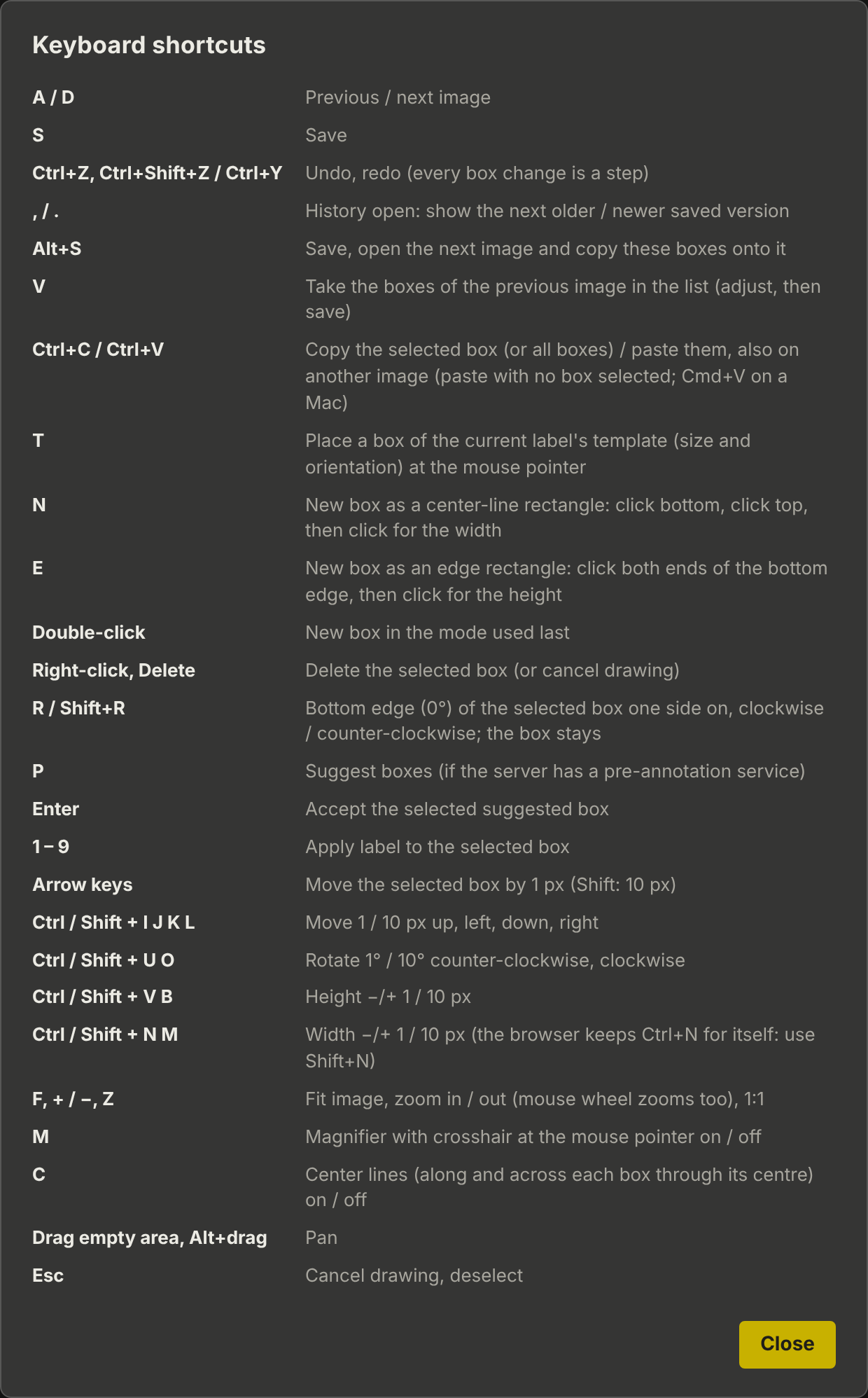
Keyboard Shortcuts
The same list is shown in the browser under Shortcuts.
| Keys | Action |
|---|---|
A / D |
Previous / next image |
S, Ctrl+S |
Save |
Alt+S |
Save, open the next image and copy these boxes onto it |
V |
Take the boxes of the previous image in the list (adjust, then save) |
Ctrl+C / Ctrl+V |
Copy the selected box (or all boxes) / paste them, also on another image; paste with no box selected (Cmd+V on a Mac) |
T |
Place a box of the current label’s template at the mouse pointer |
Ctrl+Z, Ctrl+Shift+Z / Ctrl+Y |
Undo, redo (every box change is a step) |
, / . |
History open: show the next older / newer saved version |
N |
New box as a center-line rectangle: click bottom, click top, then click for the width |
E |
New box as an edge rectangle: click both ends of the bottom edge, then click for the height |
Double-click |
New box in the mode used last |
Right-click, Delete |
Delete the selected box (or cancel drawing) |
R / Shift+R |
Bottom edge (0°) of the selected box one side on, clockwise / counter-clockwise; the outline stays |
P |
Suggest boxes (if the server has a box suggestion service) |
Enter |
Accept the selected suggested box |
1 – 9 |
Apply label to the selected box |
Arrow keys |
Move the selected box by 1 pixel (Shift: 10 pixels) |
Ctrl / Shift + I J K L |
Move 1 / 10 pixels up, left, down, right |
Ctrl / Shift + U O |
Rotate 1° / 10° counter-clockwise, clockwise |
Ctrl / Shift + V B |
Height − / + 1 / 10 pixels |
Ctrl / Shift + N M |
Width − / + 1 / 10 pixels (the browser keeps Ctrl+N for itself: use Shift+N) |
F, + / −, Z |
Fit image, zoom in / out (the mouse wheel zooms too), 1:1 |
M |
Magnifier with crosshair at the mouse pointer on / off |
C |
Center lines (along and across each box through its centre) on / off |
Drag empty area, Alt + drag |
Move the image |
Esc |
Cancel drawing, deselect |