---
title: "LumiScan Cockpit"
description: "LumiScan Cockpit shows the images and results of all LumiScan vision apps live, in the browser on ctrlX OS or in a PC window. For commissioning and checks."
product: "LumiScan Cockpit"
component: "lumiscan-cockpit"
version: "1.2.0"
display_version: "1.2.0.8"
latest_version: true
language: "en"
url: "https://docs.hdvisionsystems.com/en/lumiscan-cockpit/1.2.0/index.html"
---
# LumiScan Cockpit
| | | |
| --- | --- | --- |
| 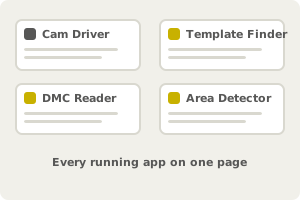
**Your vision apps run.** Cockpit lists every compatible app on one page. | 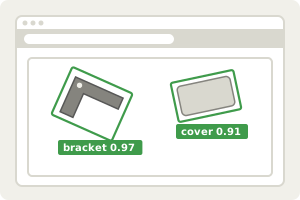
**See what each app sees.** The image with what the app found drawn on top. | 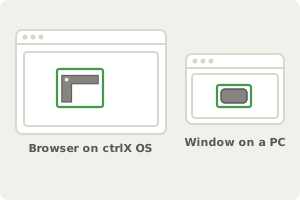
**On ctrlX OS or a PC.** In the browser on ctrlX OS, in its own window on a PC. |
LumiScan Cockpit is the viewer for the LumiScan vision apps. It shows the image each app worked on and draws what the app found: template and object matches, detected areas, decoded codes and AI detections. Views follow each new frame and update live while a camera streams, which makes commissioning and visual checks fast. Cockpit changes no settings and stores no images.
For licensing, see [Licence](https://docs.hdvisionsystems.com/en/lumiscan-cockpit/1.2.0/lumiscan-cockpit/requirements.html#licence). Questions? See the [FAQ](https://docs.hdvisionsystems.com/en/lumiscan-cockpit/1.2.0/faq.html). A problem or an error message? See [Troubleshooting](https://docs.hdvisionsystems.com/en/lumiscan-cockpit/1.2.0/troubleshooting.html).