---
title: "LumiScan File Transfer"
description: "LumiScan File Transfer moves annotated images from the production system to the training system and sends newly trained networks back. For retraining."
product: "LumiScan File Transfer"
component: "lumiscan-file-transfer"
version: "1.8.4"
display_version: "1.8.4.3"
latest_version: true
language: "en"
url: "https://docs.hdvisionsystems.com/en/lumiscan-file-transfer/1.8.4/index.html"
---
# LumiScan File Transfer
| | | |
| --- | --- | --- |
| 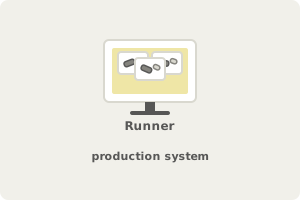
**The Runner collects images.** On the production system, generated and annotated. | 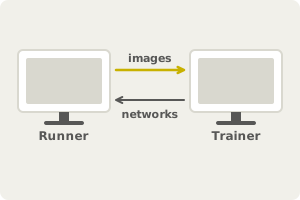
**Images go to the Trainer.** Newly trained networks come back. | 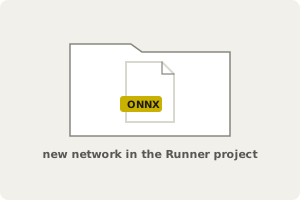
**The Runner uses the new network.** It lands in the Runner project, ready to use. |
LumiScan File Transfer closes the retraining loop between the production system and the training system. The Runner sends generated and annotated images to the Trainer, which stores them for training and sends newly trained networks back to the Runner project. The Runner deletes images only after a successful transfer. It runs on Windows 11.
For licensing, see [Licence](https://docs.hdvisionsystems.com/en/lumiscan-file-transfer/1.8.4/before-installation.html#licence). Questions or an error message? See the [FAQ](https://docs.hdvisionsystems.com/en/lumiscan-file-transfer/1.8.4/faq.html).