---
title: "LumiScan QR Code Reader"
description: "LumiScan QR Code Reader finds every QR code in a camera image and reports content and position to your PLC. No template, training or configuration."
product: "LumiScan QR Code Reader"
component: "lumiscan-qr-code-reader"
version: "1.0.0"
display_version: "1.0.0.5"
latest_version: true
language: "en"
url: "https://docs.hdvisionsystems.com/en/lumiscan-qr-code-reader/1.0.0/index.html"
---
# LumiScan QR Code Reader
| | | |
| --- | --- | --- |
| 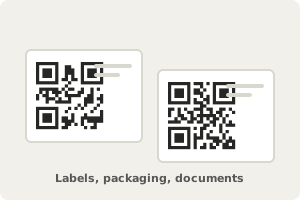
**Capture the codes.** For long payloads such as a URL or a serial number. | 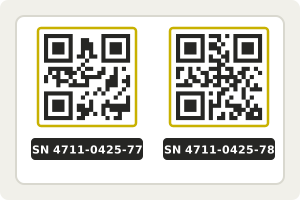
**Find and decode every code.** Any number per image, no template or training. | Example result
Codes
2
Text
SN 4711-0425-77
Center
388, 270 px
**Hand the result to your PLC.** Content and position of each code. |
LumiScan QR Code Reader finds every QR code in a camera image and reports what each one says and where it is, with no limit of one code per run. QR codes carry long payloads such as a URL or a serial number. The reader needs no template, training or configuration: give it the image address and run it, on ctrlX OS or a Windows or Ubuntu PC.
For licensing, see [Licence](https://docs.hdvisionsystems.com/en/lumiscan-qr-code-reader/1.0.0/lumiscan-qr-code-reader/requirements.html#licence). Questions? See the [FAQ](https://docs.hdvisionsystems.com/en/lumiscan-qr-code-reader/1.0.0/faq.html). A problem or an error message? See [Troubleshooting](https://docs.hdvisionsystems.com/en/lumiscan-qr-code-reader/1.0.0/troubleshooting.html).