LumiScan Barcode Reader
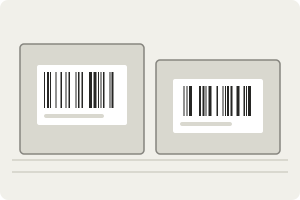
Capture the labels. Code 128, Code 39, EAN-13, UPC-A and other linear codes. |
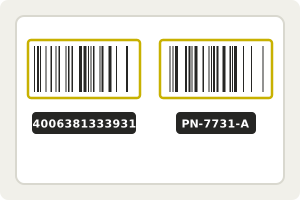
Find and decode every barcode. The symbology need not be named in advance. |
Hand the result to your PLC. Content and position of each code. |
LumiScan Barcode Reader finds every linear (1D) barcode in a camera image and reports its content and position. Code 128, Code 39, EAN-13, UPC-A and the other common linear symbologies are read by the same call, without naming the type in advance. It needs no template or configuration and runs on ctrlX OS or a Windows or Ubuntu PC.
For licensing, see Licence. Questions? See the FAQ. A problem or an error message? See Troubleshooting.
In this manual
Description – LumiScan Barcode Reader finds linear (1D) barcodes such as Code 128, Code 39, EAN-13 and UPC-A in a camera image and reports their content and position.
Requirements – Requirements for LumiScan Barcode Reader - licence check at start-up on ctrlX OS, Standard and Advanced licences, an image source on the same Data Layer.
Reading a Code – Read barcodes with LumiScan Barcode Reader in two steps - write the image address to input/image-address, then call the blocking execute method.
Reading Codes on an Image Stream (Experimental) – Read codes on an image stream with LumiScan Barcode Reader (experimental) - subscribe to a Cam Driver stream and get one result per frame.
Data Layer Reference – Data Layer reference of LumiScan Barcode Reader - node tree, input, the execute method, output and the nodes of the experimental image stream.
FAQ – FAQ on LumiScan Barcode Reader - ctrlX OS and PC, image source and pixel formats, reading codes, the result, failed runs, image stream and licences.
Troubleshooting – Problems with LumiScan Barcode Reader step by step - shutdown at start-up, empty result, refused stream calls, streams without results or restarting.