LumiScan Calibration Folder Structure
The settings of the application are files in its settings folder, lumiscan-calibration. It contains:
-
lumiscan-calibration.json, the application settings. See Application Settings File.
-
<module name>.json for each module, for example example.json. See Module Configuration File.
-
<file name>.tiff, the calibration data a module names, provided by HD Vision Systems. See Tiff File.
-
schemas, which describe the settings files to the editor.
On ctrlX OS: Editing with the Built-In Website
-
Log in to the ctrlX OS website.
-
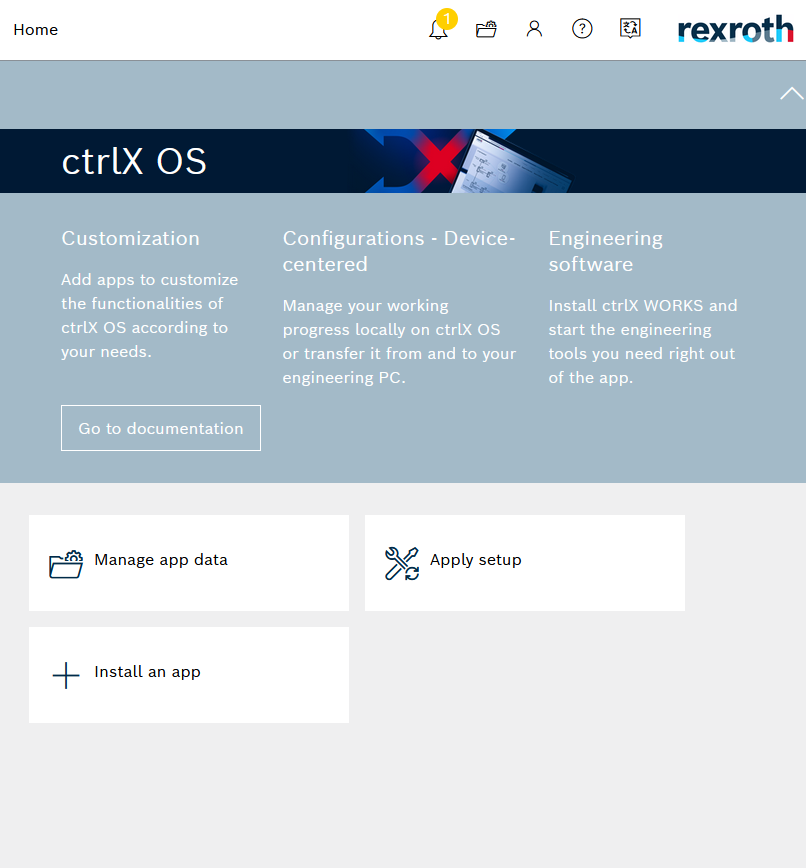
Go to Home.
-
Select Manage app data.
-
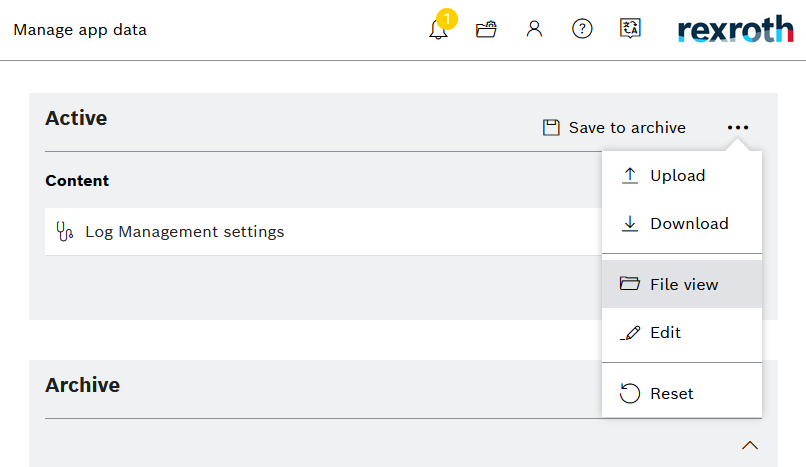
Click the three dots and select File View.
-
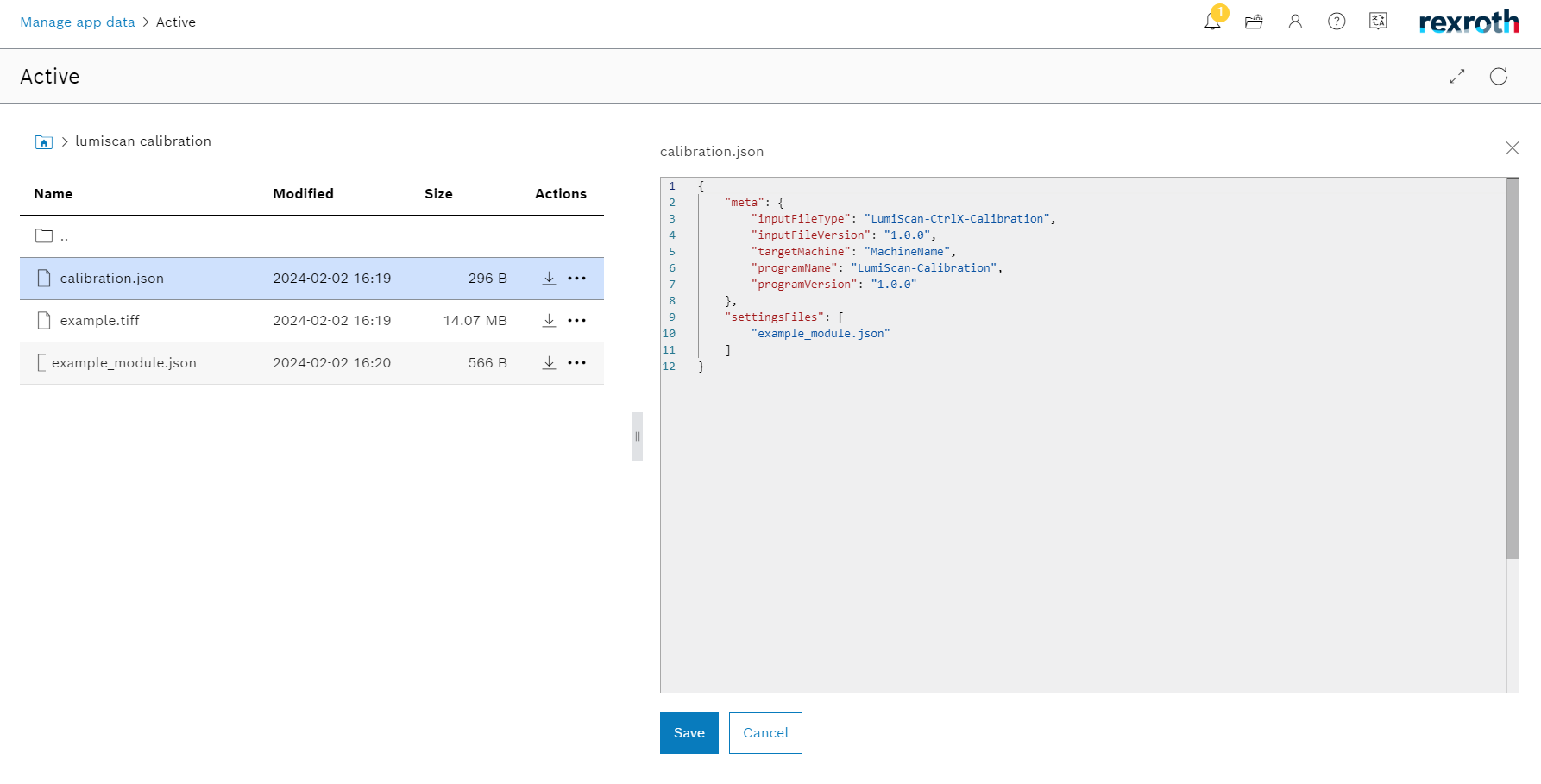
Open the folder lumiscan-calibration. It contains the files listed above.
-
Click a file name to open it in the JSON Settings window on the right.
On a PC
On a PC, the settings are ordinary files. On Windows, the settings folder is
%APP_RESOURCE_DIR%\etc\lumiscan-calibration, or without APP_RESOURCE_DIR
C:\ProgramData\HD Vision Systems GmbH\LumiScan Vision Suite\lumiscan-calib\etc\lumiscan-calibration.
See also Where the files are.
Open the files in any text editor, preferably one that checks JSON against the schemas in the schemas folder.