LumiScan Annotation
Download this manual for offline use (ZIP, 5.7 MB - HTML and Markdown, version 1.8.4.3)
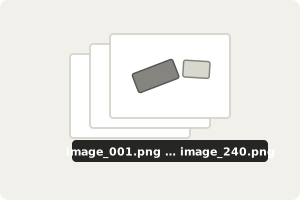
Collect images of your parts. PNG images, one folder per set. |
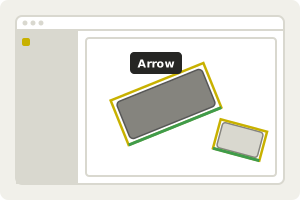
Draw a box around each object. Oriented boxes in three clicks, one label per class. |
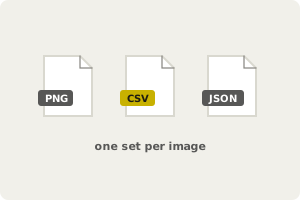
Save the training data. Boxes as CSV next to each image, ready for LumiScan Training. |
LumiScan Annotation is the software for annotating objects in images to create training data for neural networks, for example for object detection with LumiScan AI Object Matching. You draw an oriented box around each object in three clicks and assign a label per class; the boxes are saved as a CSV file next to each image. It supports any number of users and unlimited annotations, and runs on Windows 11.