Projects
A project is an independent annotation job: a data folder (or a prefix in an S3 bucket), its settings, its members with their roles, its history and its revision notes. Users only see the projects they take part in.
Server admins manage all projects under their name → Projects. Project admins manage the members and settings of their own project.
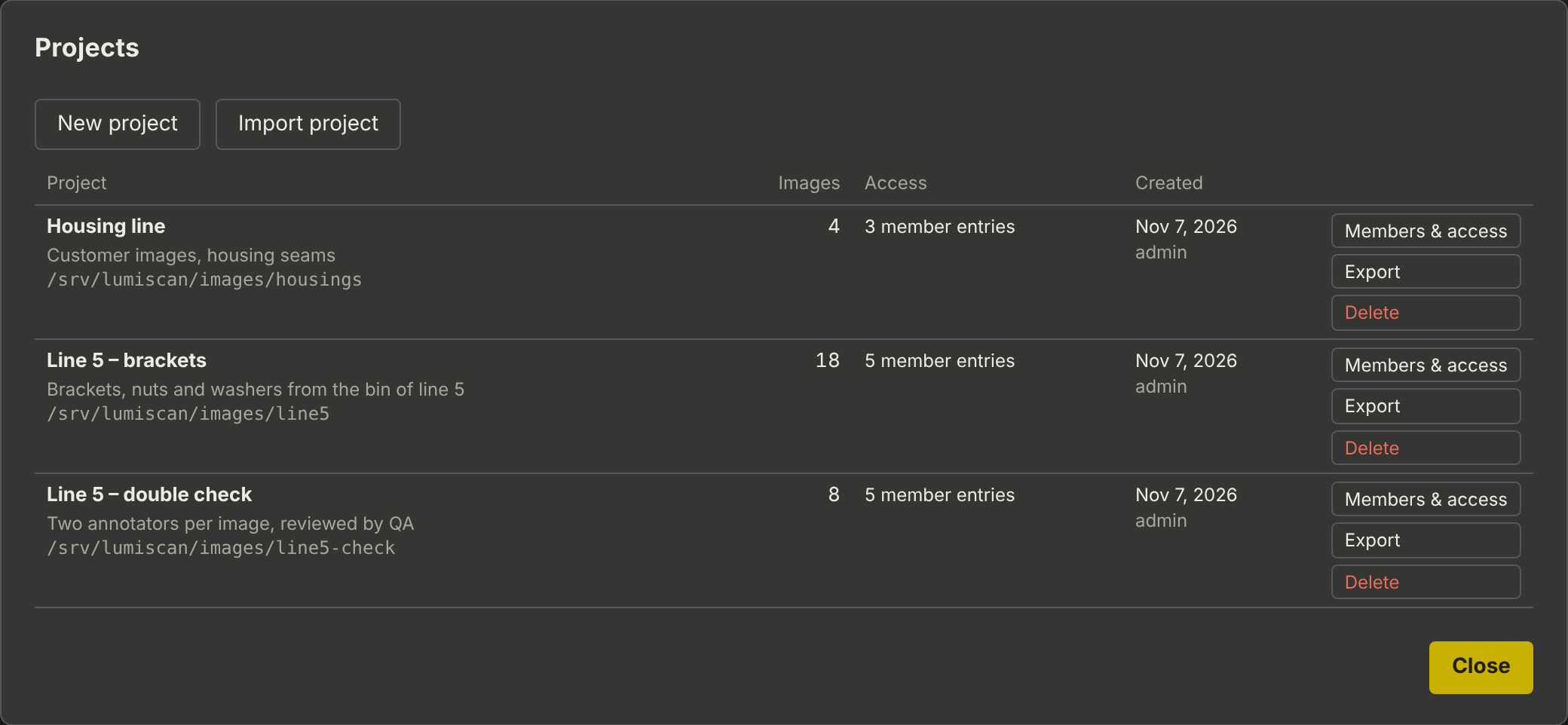
Creating a project
New project, then:
Name, description |
Shown in the project list and the top bar |
Existing folder on the server |
A folder with images, for example |
Store the files in |
Only with S3 buckets configured: a folder on the server, or S3 bucket … with a prefix, see Projects in S3 Buckets |
Open to all signed-in users |
Everyone works in the project with their server-wide roles, without being a member |
The folders admins may use can be limited with project_folders in the configuration. Two projects must not share a folder.
Layout of a project folder
The images are directly in the folder, or in one level of sub-folders, typically one per day:
Line2\
    2026-10-28\
        part_001.png         the image
        part_001.csv         its boxes
        part_001.json        its save history
        .annotations\        versions of the annotators (several annotators per image)
    2026-10-29\ ...
    .lumiscan-annotation\
        settings.json        the project's shared settings (labels, ROI, ...)
This is the layout of the desktop tool; folders it used are taken over as they are. See Annotation Files.
Members and access
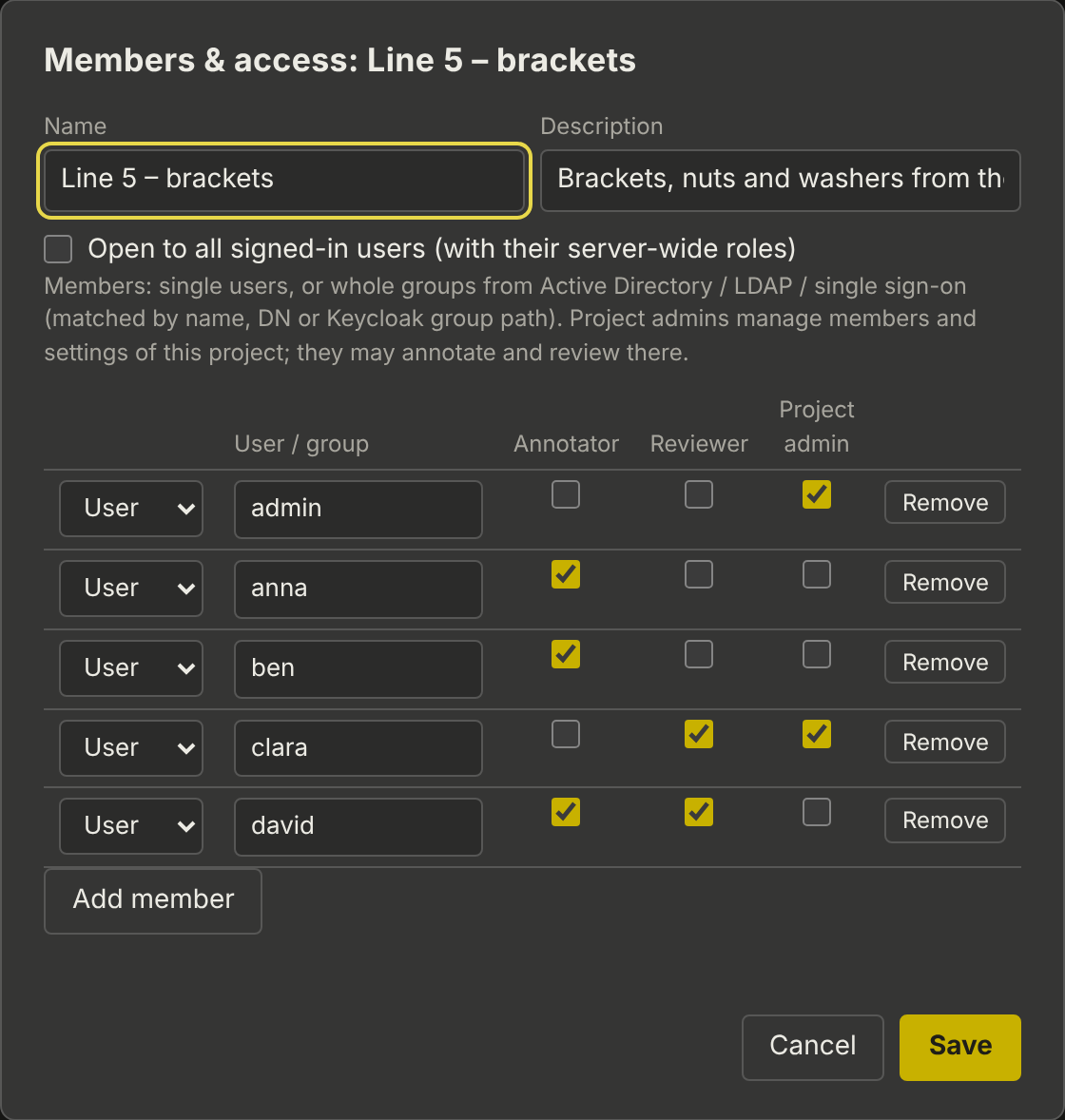
Members & access next to a project:
-
User: a server account by its user name. Group: a group of the directory or single sign-on, matched by name, full DN or the last part of a Keycloak group path.
-
Roles per member: Annotator, Reviewer, Project admin. A person in several entries gets all their roles.
-
Directory and single sign-on users added by group get access at their first sign-in.
-
You cannot remove your own project admin role, so a project always keeps an admin.
Exporting and importing
Export downloads the project as one file <name>.lumiscan-project.tar, a plain tar archive (readable with Windows' tar.exe, 7-Zip or any Linux system):
|
name, description, members (no passwords), export time and user |
|
the project’s settings |
|
images, CSV and JSON files byte for byte, and the annotators' versions |
|
revision notes |
|
every saved version (optional) |
Import project uploads such a file in 8 MB pieces, with a progress bar, so projects of several gigabytes work. It creates an independent project in a new folder under projects_root (or in a bucket). Members are kept and apply when those users sign in on this server. Paths in the archive are checked: nothing can be written outside the new project folder.
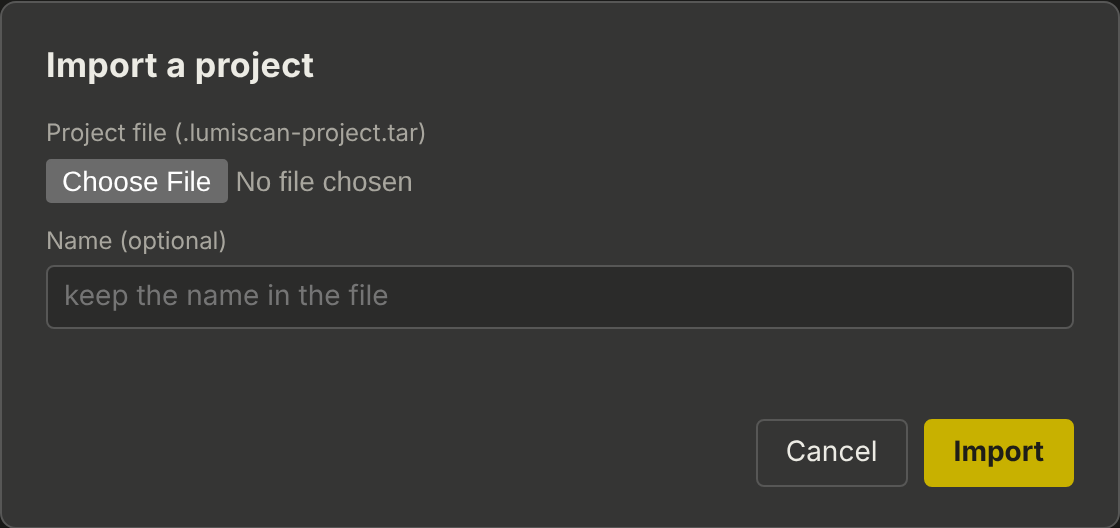
Typical use: a customer exports a project and sends it to HD Vision Systems for expert annotation; the annotated project comes back the same way.