Sign-in Methods
Everyone signs in; the name in the save history of every image is the signed-in user. Three methods can be combined. They and their secrets are configured only in the server’s configuration file (section auth), never in the browser.
Local accounts
"local_login": true (default). Admins create local accounts in the browser (see Users and Roles). Passwords have at least 10 characters and are stored as PBKDF2-SHA256 hashes with 600 000 rounds.
| Keep at least one local administrator, also with the directory or single sign-on. It is your way in when the directory is not reachable. |
Active Directory / LDAP
The server searches the user with a read-only service account, checks the password with a sign-in as that user and reads the groups. Users sign in with the same name and password as on their work computer.
"ldap": {
  "enabled": true,
  "label": "company account",
  "url": "ldaps://dc01.ad.example.com:636",
  "ca_file": "company-root-ca.pem",
  "bind_dn": "CN=ldap-bind,OU=Service Accounts,DC=ad,DC=example,DC=com",
  "bind_password_file": "ldap-bind.secret",
  "base_dn": "DC=ad,DC=example,DC=com",
  "user_filter": "(&(objectClass=user)(sAMAccountName={username})(!(userAccountControl:1.2.840.113556.1.4.803:=2)))",
  "group_attribute": "memberOf",
  "group_filter": "(&(objectClass=group)(member:1.2.840.113556.1.4.1941:={dn}))"
}
|
|
|
The read-only service account. Empty: anonymous search. |
|
Where and how users are searched; |
|
Groups on the user entry ( |
|
Optional group search; the example finds nested groups in Active Directory. |
|
Defaults |
|
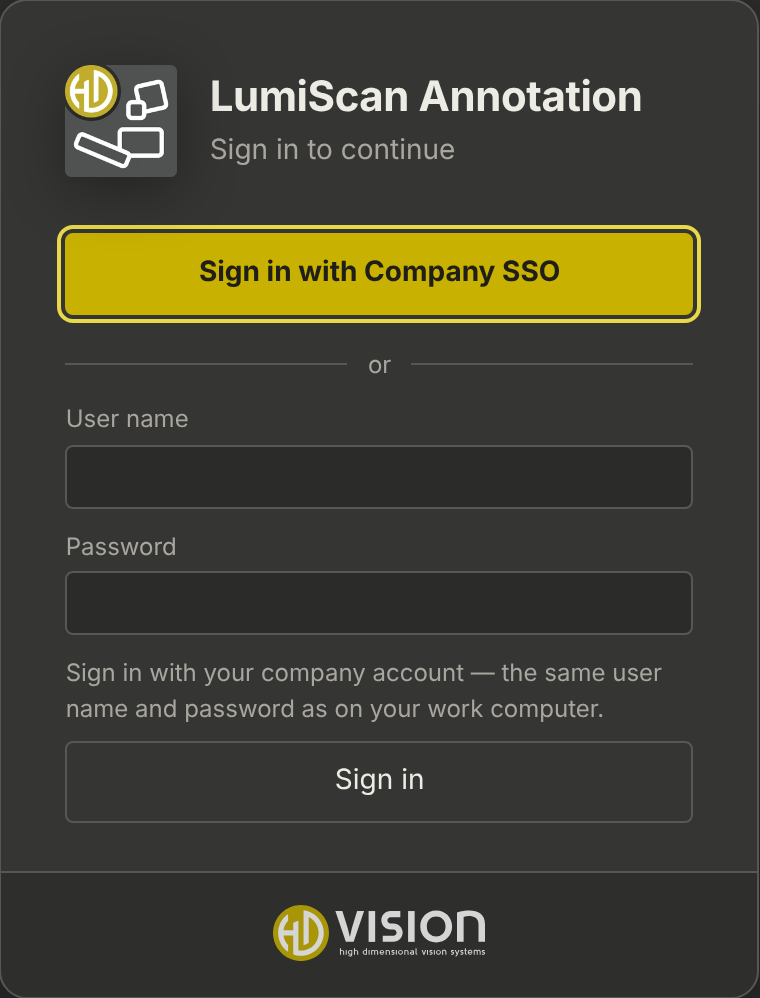
Name shown on the sign-in page. |
|
Default 10. |
No extra library is needed: the LDAP client is part of the server.
Single sign-on (OpenID Connect)
Users click Sign in with … and sign in at the company’s identity provider (authorization code flow with PKCE). Signing out also ends the session at the provider.
-
Register a confidential client at the provider with the redirect address
<public_url>/api/auth/oidc/callback. -
Configure it:
"oidc": { "enabled": true, "label": "Company SSO", "issuer": "https://sso.example.com/realms/example", "client_id": "lumiscan-annotation", "client_secret_file": "oidc-client.secret", "scopes": "openid profile email", "username_claim": "preferred_username", "groups_claim": "groups" } -
Set
public_url(see Configuration).- Keycloak
-
Client with Client authentication on, Valid redirect URI as above, Valid post logout redirect URI
<public_url>/, and a mapper *Group Membership with the claim namegroups. Alternatively client roles:"groups_claim": "resource_access.lumiscan-annotation.roles". - Microsoft Entra ID
-
Issuer
https://login.microsoftonline.com/<tenant>/v2.0;"groups_claim": "groups"(group object IDs) or app roles with"roles".
Who gets which role
-
New directory and single sign-on users get
default_role(defaultannotator; empty: no role until an admin or a group mapping gives one). -
Names listed in
initial_adminsbecome admins at their first sign-in. -
Groups → roles in the browser gives roles to whole groups; they are refreshed at every sign-in. See Groups and roles.
-
Users without any role cannot sign in; they are told to ask an administrator and are listed for the admins.
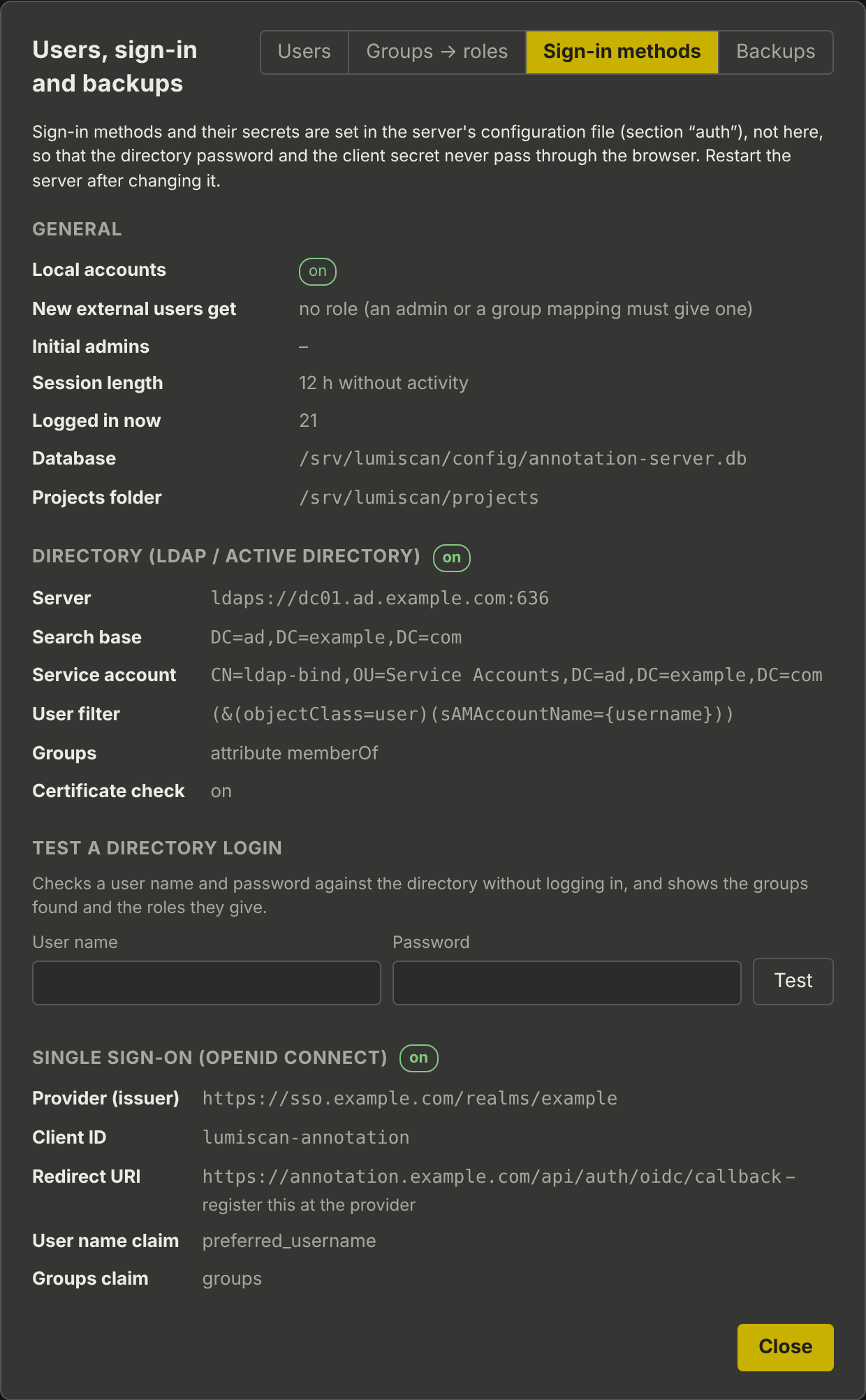
Under your name → Users and sign-in → Sign-in methods, admins see what is configured, the redirect address to register at the provider, and can test a directory sign-in: