Users and Roles
Roles
| Role | May |
|---|---|
Annotator |
Draw and save boxes; add labels. With several annotators per image: only their own version, blind. |
Reviewer |
Compare the annotators, decide the reference annotation, see the statistics. |
Project admin |
Manage the members and the settings of the project; delete images. |
Admin |
Everything in every project, plus users, group mappings, projects (create, export, import, delete) and backups. |
The server enforces the roles; the browser only shows what a role may do.
Server-wide roles (Annotator, Reviewer, Admin) are set per user or per group, see below. They apply in projects that are open to all signed-in users. Other projects give roles to their members, see Members and access.
Managing users
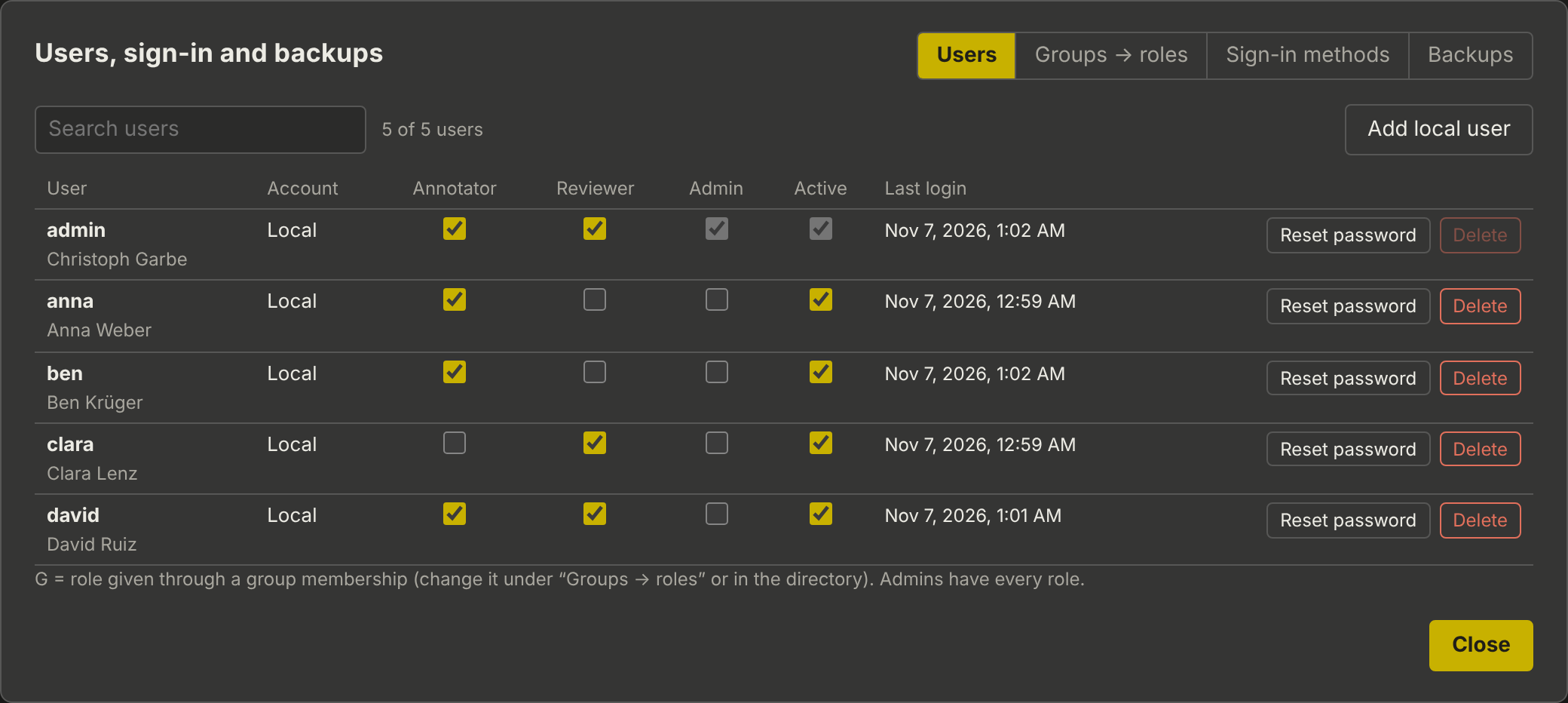
Admins: your name → Users and sign-in.
-
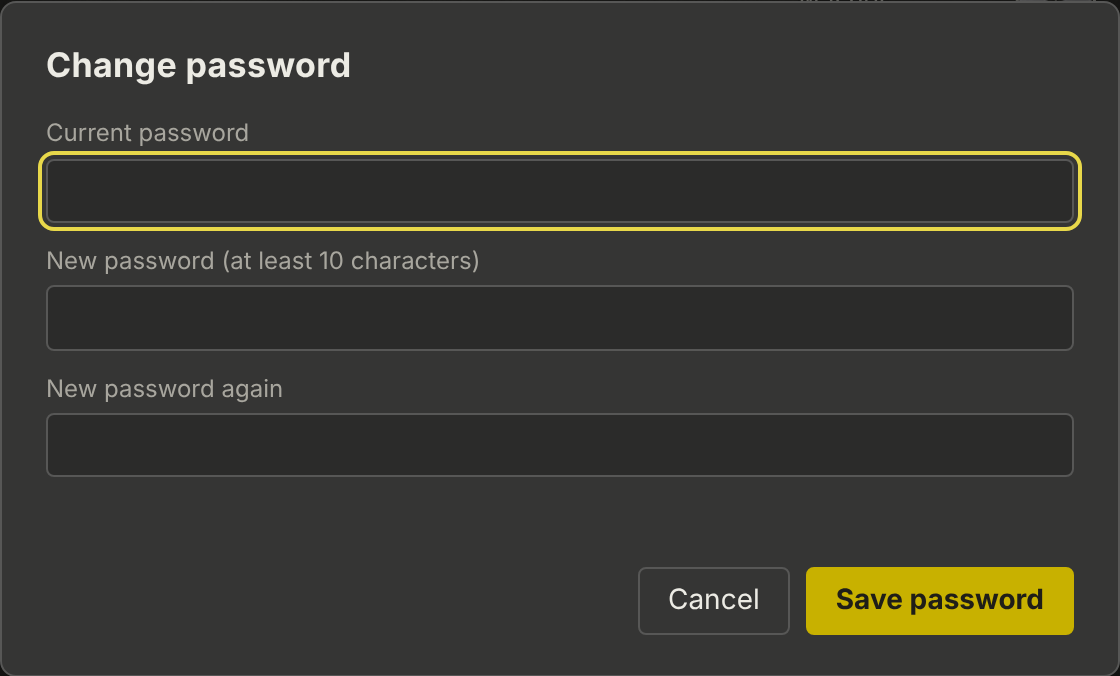
Add local user: user name, full name, e-mail, roles and a first password. Without a password, one is generated and shown once. The user must change it at the first sign-in.
-
Tick the roles directly in the table. Active off: the user can no longer sign in, and their sessions end at once.
-
Reset password: a new password for a local account (shown once); the user changes it at the next sign-in.
-
Directory and single sign-on users appear in the list after their first sign-in. A G marks roles given through a group membership.
Groups and roles
Groups → roles gives a role to every member of a directory or single sign-on group:
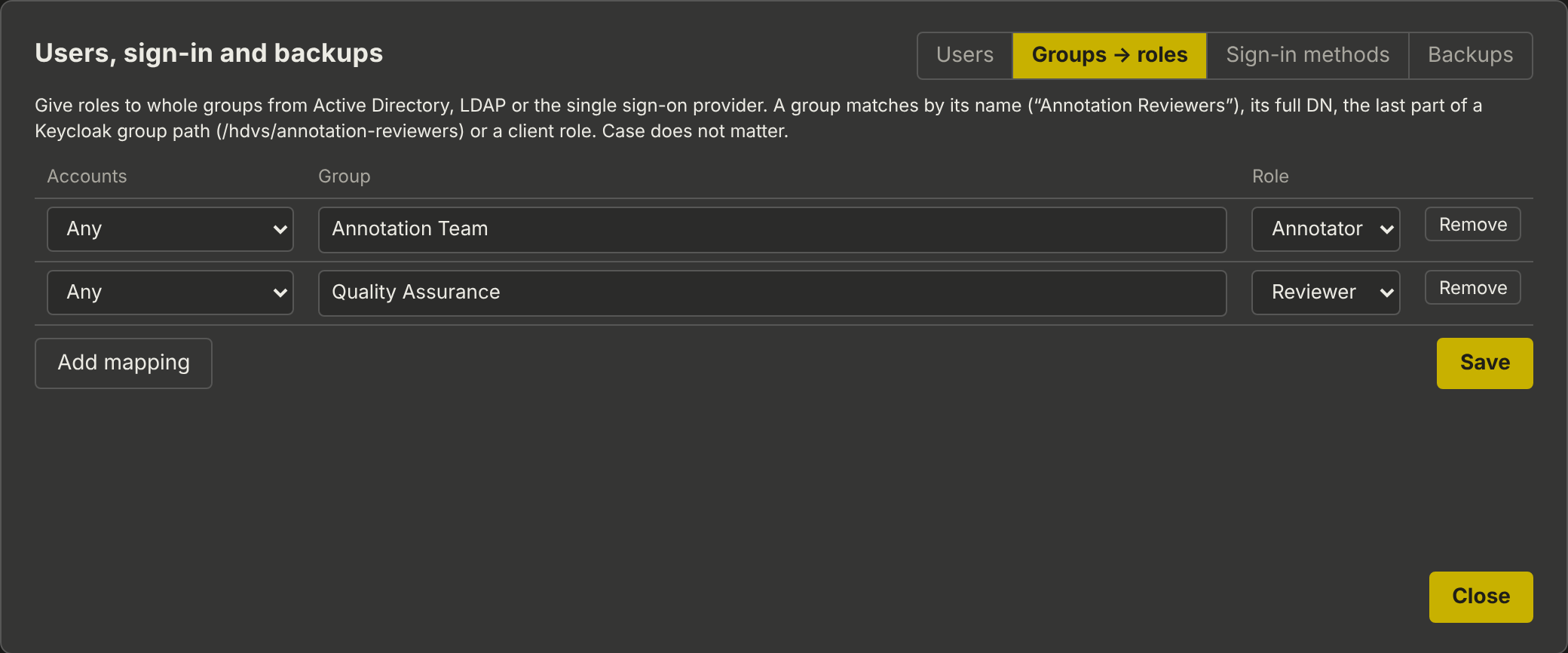
A group matches by its name (Annotation Reviewers), its full DN, the last part of a Keycloak group path (/hdvs/annotation-reviewers) or a client role. Group roles are refreshed at every sign-in.
Sign-in methods
The tab Sign-in methods shows what is configured, the redirect address to register at the single sign-on provider, and a form to test a directory sign-in: it shows the groups found and the roles they give, without signing in. The methods themselves are configured in the server’s configuration file, see Sign-in Methods.