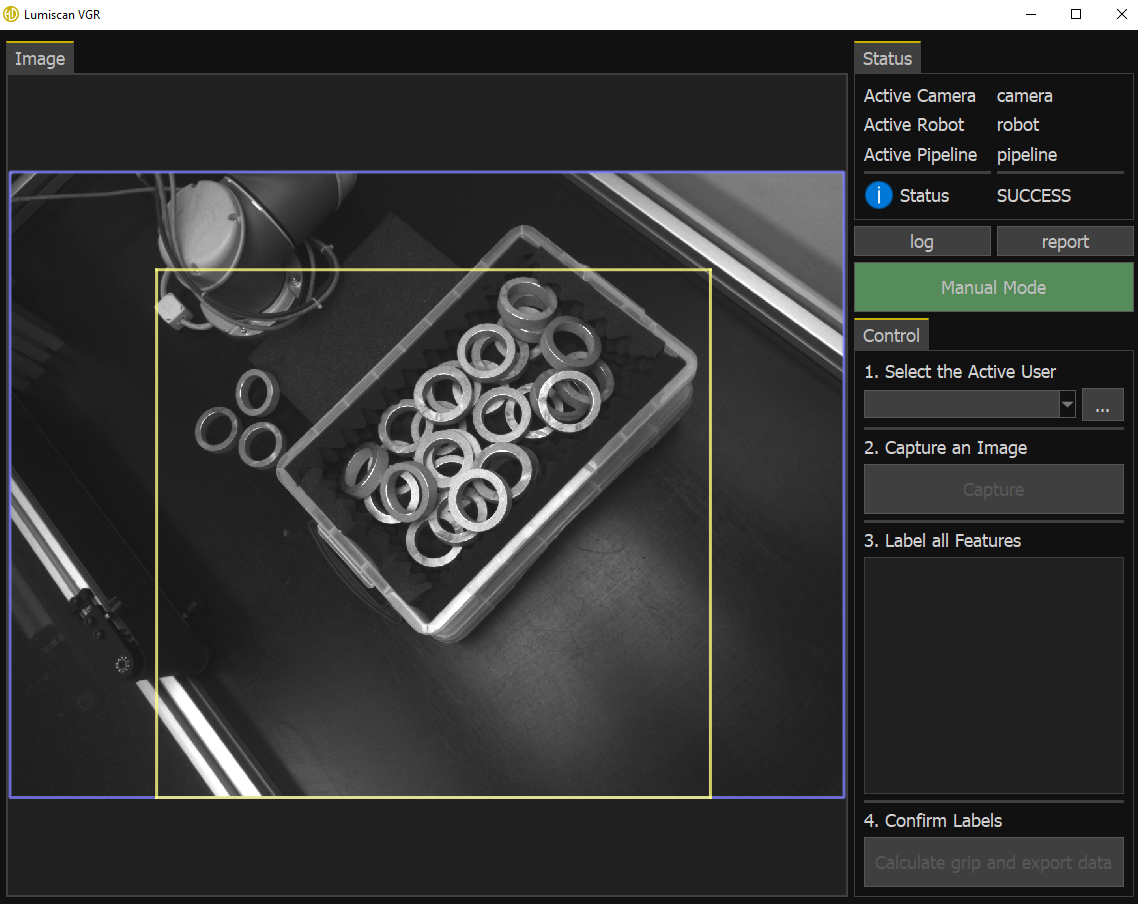
Manual Mode
Manual mode is used to create new training data when the neural network does not yet provide sufficiently robust detection results. It allows detected objects and labels to be corrected manually.
Manual mode can also be used to continue the workflow manually if automatic detection is unsuccessful, for example if an object is not detected correctly in 2D.
To activate manual mode, click the Manual Mode button (M1).
If a manual mode password is configured in the settings file, the password must be entered when activating manual mode. No password is required if admin mode is already active.
While manual mode is active: